To help you make the most of AUTOMOTIVE ENGINEERING EXPOSITION ONLINE,
we introduce three key features and how to use them effectively.
-
Point1

- Visitor × Exhibitor Matching Function
-
Quickly find exhibitors that match your interests!
Your registered [Areas of Interest] are matched against each exhibitor's [Technology Fields] to display recommended exhibitors.
-
Point2

- AI Deep Search
-
Intuitive search by your goals and challenges!
Search not only by keywords but also by your "objectives" and "challenges." Discover companies and technologies you might not have found otherwise.
-
Point3

- Integrated with the Digital Venue Map!
My Visit List -
Useful from advance preparation through your visit and beyond!
Register exhibitors of interest in advance to create your own personalized visit list. Linked with the digital venue map, your on-site visit will be smooth and efficient.
- Integrated with the Digital Venue Map!
About Visitor × Exhibitor Matching Function
About Visitor × Exhibitor Matching Function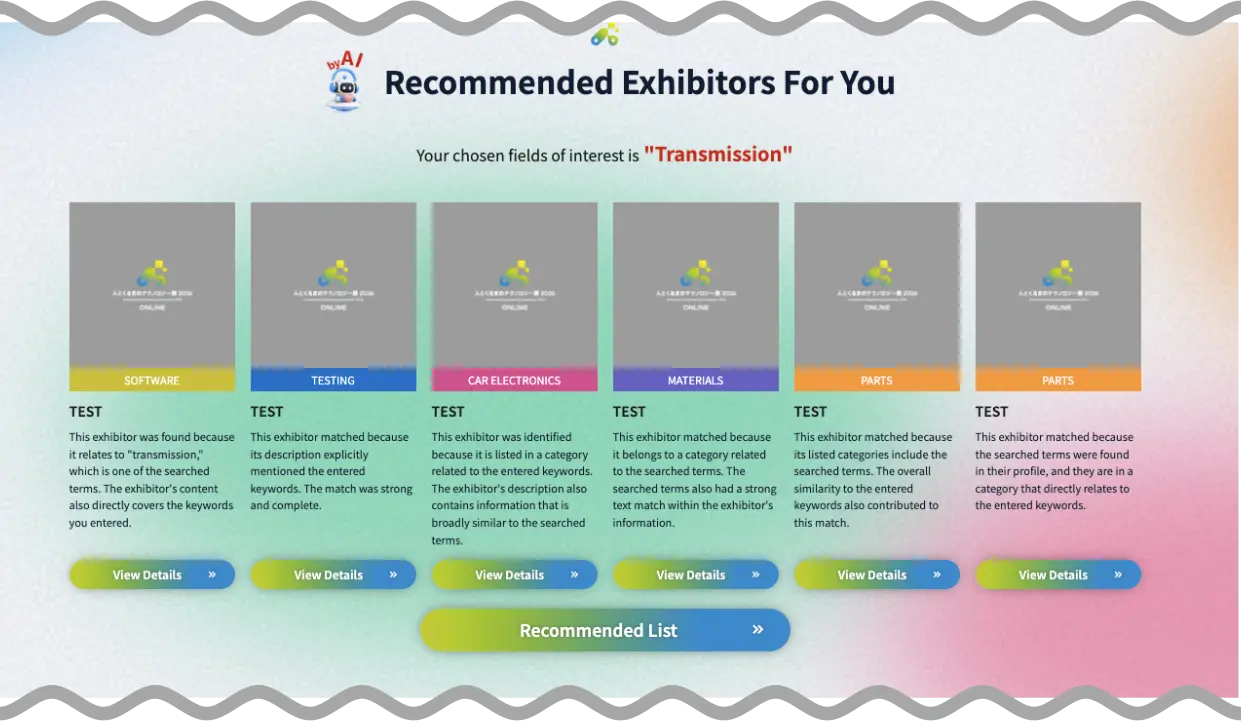
Recommended Exhibitors for You
Simply register your areas of interest, and AI will automatically display highly relevant exhibitors as recommendations.
You can update your registered information anytime from your Visitor My Page.
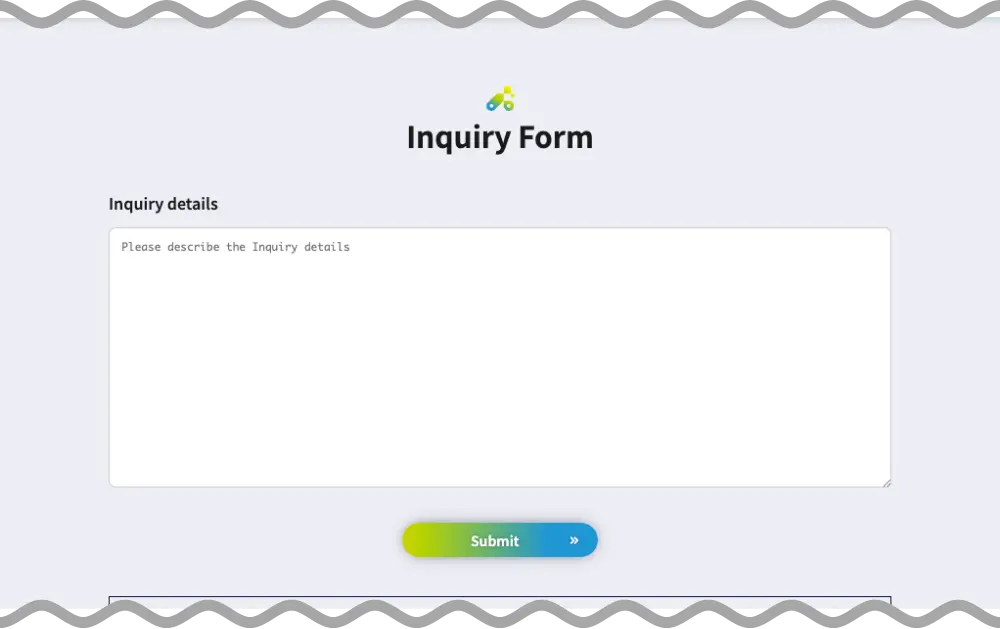
Inquiry Form
On the online exhibition, you can submit inquiries about exhibitors and their products through the inquiry form on each exhibitor page. Replies from exhibitors will be sent to your registered email address.
Some exhibitors also offer meeting reservation and chat functions.
-
Meeting Reservation
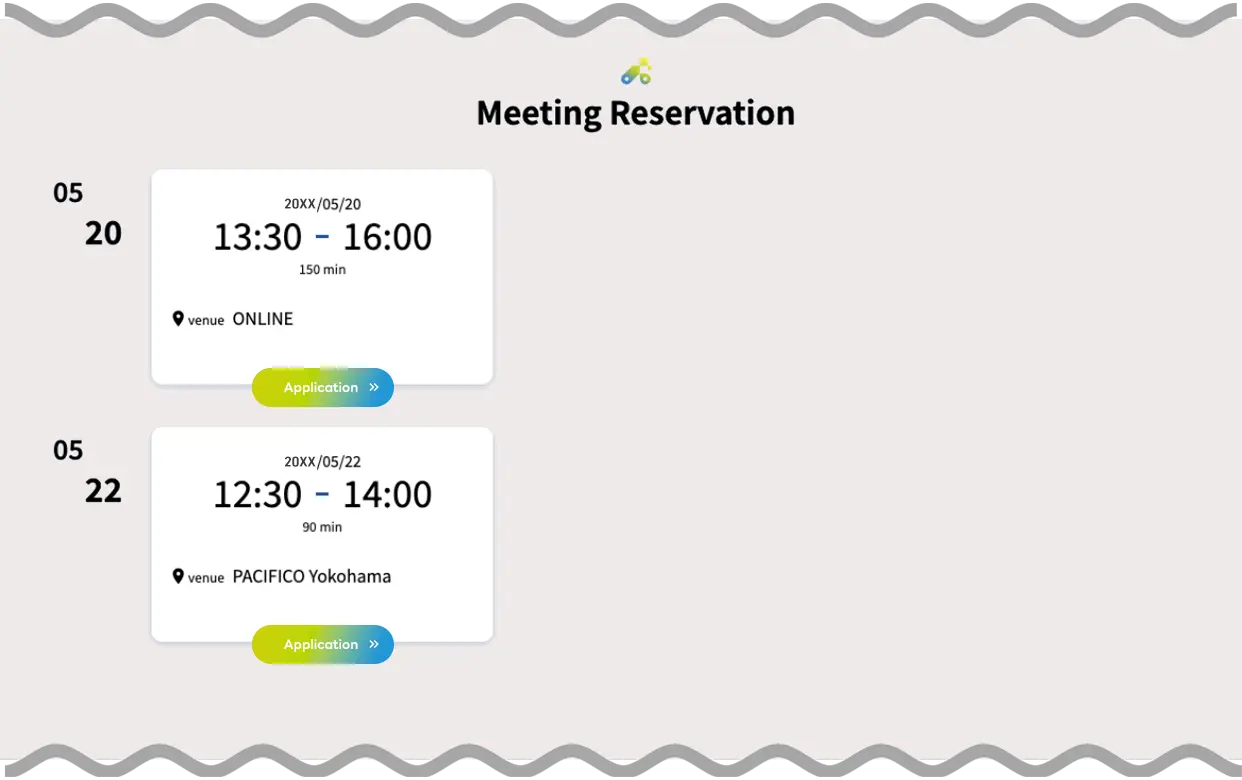
-
Chat Function

About AI Deep Search
About AI Deep Search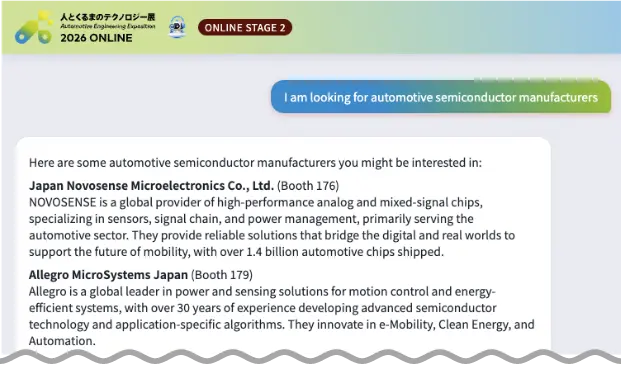
AI Chat
By entering not just keywords but your objectives and challenges in sentence form, the AI matches your input against information registered by exhibitors and displays the most relevant ones.
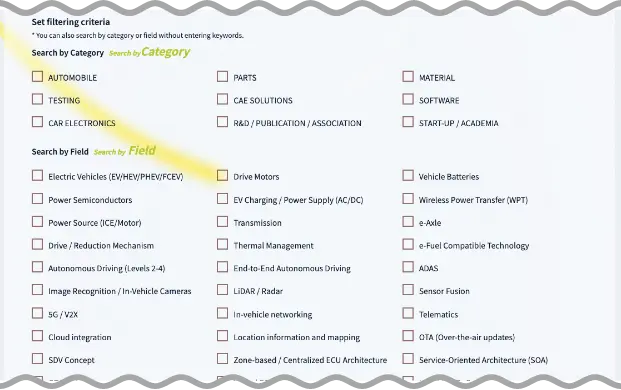
Exhibitor / Product Search
You can also filter by technology field for even more accurate search results.
Go to Search PageIntegrated with the Digital Venue Map!
About My Visit List
-

Before the Event Build Your Visit List & Gather Information
Add exhibitors of interest to your "Visit List" from each exhibitor's detail page on the online exhibition site.
On the Search Page, you can directly narrow down by category or free-word search; on the Exhibitor List, you can review the highlights. -

During the Event Check the Digital Venue Map
Once you arrive, access your Visitor My Page to see the exhibitors on your visit list pinned on the venue map.
Even in a large venue, you can efficiently visit your highest-priority booths first. -

After the Event Make Use of Visit MEMOs
After visiting a booth, jot down your insights and impressions in the Visit MEMO.
Capturing them while your memory is fresh makes it easier to share internal reports and plan your next steps.